Hello and Welcome to my blog. My name is Abhijit Jana. I am a Technology Leader, Technical Strategist, Solution Architect, Development Consultant, and a Trusted Technology Advisor with with expertise in Development, Architecting, Engineering, Consulting, Services Delivery, Leadership and Mentoring.
I'm on a mission to empower Software Engineers to become Technology Leaders by cultivating their Thought Leadership Skills.
Speaking
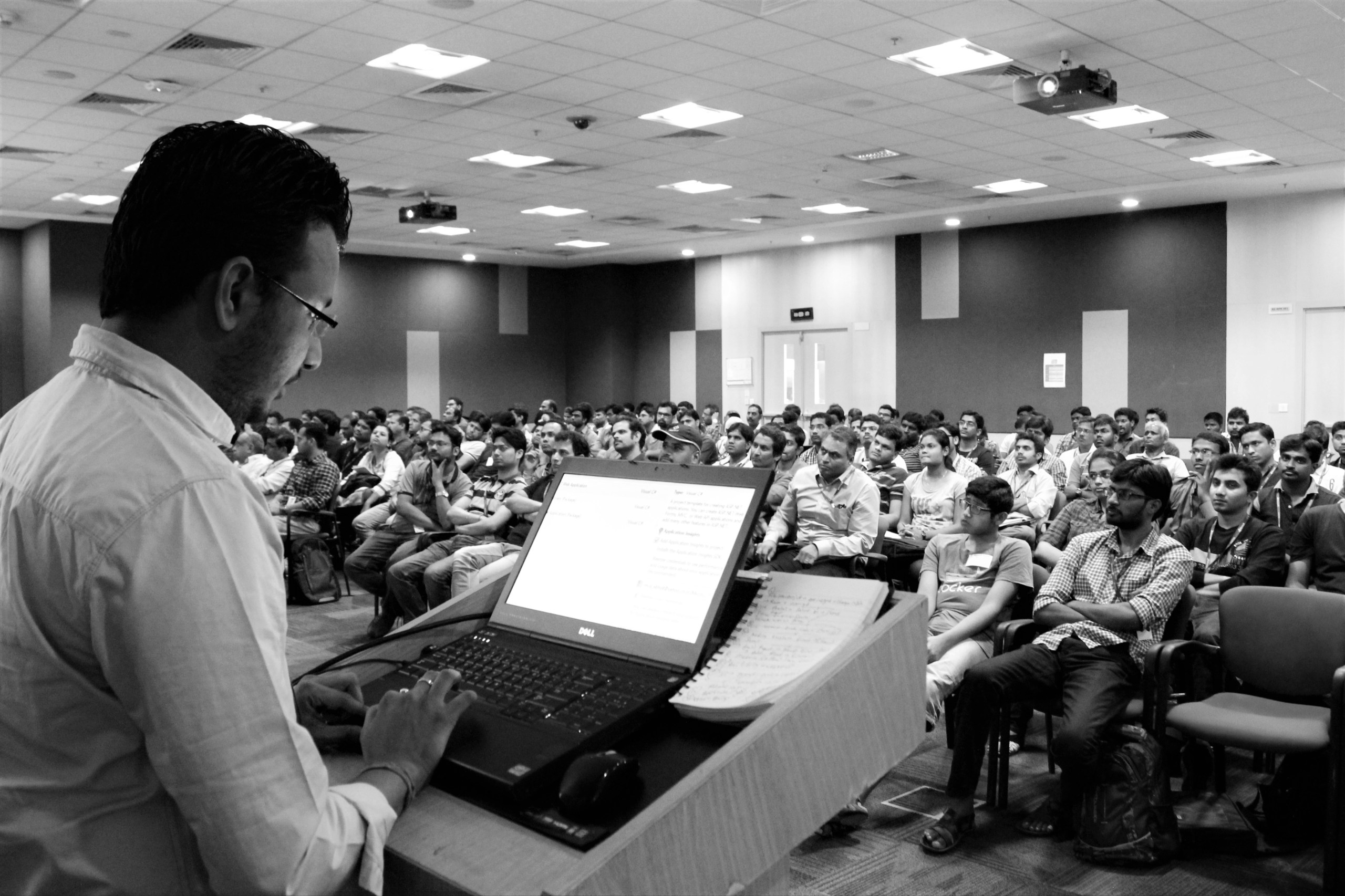
Over the past decade, I have been fortunate to speak at various conferences, seminars, and other events. I have delivered sessions at prestigious Microsoft events like Tech Ready, TechED, Web Camps, Azure Camps, Community Tech Days, Virtual Tech Days, Devdays, developer conferences, etc. I do love engaging with students and presenting in different seminars, especially for students. I have also presented sessions at IIT Delhi, and IIT Bombay on Kinect for Windows SDK organized by Microsoft Research India. Check out all of my speaking engagements here
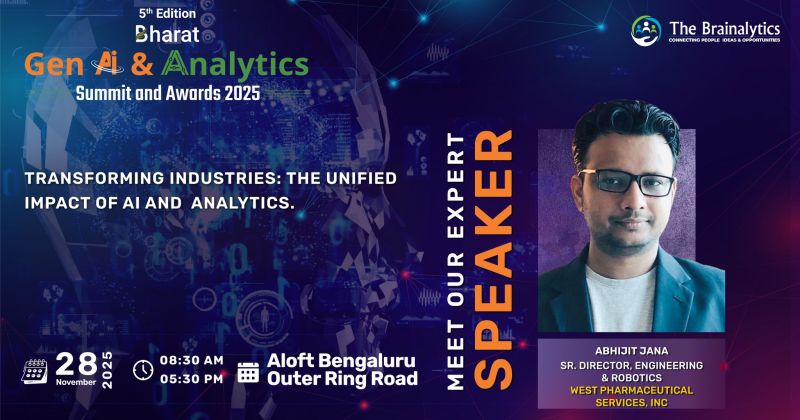
CXO Panel Discussion: Heading into 2026 and beyond – Digital Leaders Must Redefine Their Transformation Agenda Amid the Promise and Pitfalls of Generative AI Aloft Hotel, Bangalore, 28th Nov 2025
CXO panel on how Generative AI is reshaping digital leadership — balancing innovation with responsibility, building intelligent and scalable ecosystems, and exploring how engineering and robotics will define the next chapter of enterprise transformation.
Panel Discussion: Driving the Future of Pharma Packaging: AI’s advancement in Precision and Compliance Star Sahara, Mumbai, 13th-14th June
The panel discussion covers advanced techniques revolutionizing pharma packaging with improvements in flexibility, reliability, and traceability. It explores how AI optimizes production processes and predictive maintenance, emphasizing waste reduction, energy efficiency, and sustainable packaging methods. The evolving role of AI in navigating GSPRs for drug combination product submissions is also examined.
Session Delivered : Azure Bot Service & DevOps for Azure Bots
It’s a one full day of deep dive sessions on Azure for Developers, Architects and IT Pro’s delivered by the industry experts and Microsoft MVPs to get you started on Azure Cloud Computing topics like Machine Learning, Internet of Things, Service Fabric, Virtual Machines, Mobile Services and App Services. This was an worldwide event, and was organized over more than 270 location across the globe on 21st April 2018.
A single tip can improve the productivity of work while coding. Daily .NET Tips is aiming to share useful coding tips and tricks for .net developers. The primary goal of this site is to provide quality tips, tricks, sharing new features, .net How to’s, .net gotchas, .net FAQ and the useful code snippet that may help you in daily development work. This site is targeted for all beginner to advanced level of .net developers. You will find tips and posts from the beginners level to higher level. However, there is no categorization provided in the tips difficulties level. Finally, it is up to you, how you are applying it into your day to day job based on your level of expertise. If you are preparing for any .net interview, this site material may tremendous help to you. What else, visit Daily .NET Tips, and improve your development productivity.
Here is the list of my recent blog posts. To check out my all blog posts, from the main menu, you can navigate to the Blogs option. The articles section listed all of my published articles.
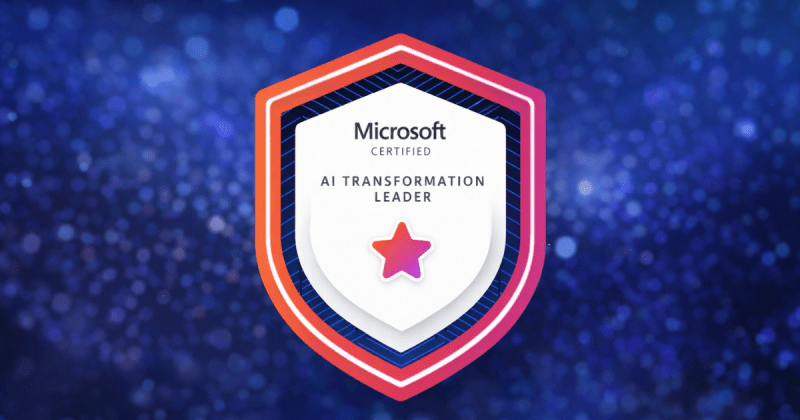
A practical guide to preparing for the Microsoft AI Transformation Leader (AB-731) certification, focused on enterprise AI architecture, governance, and strategic decision-making. Learn key concepts like RAG vs fine-tuning, Copilot positioning, and Responsible AI in a real-world context.
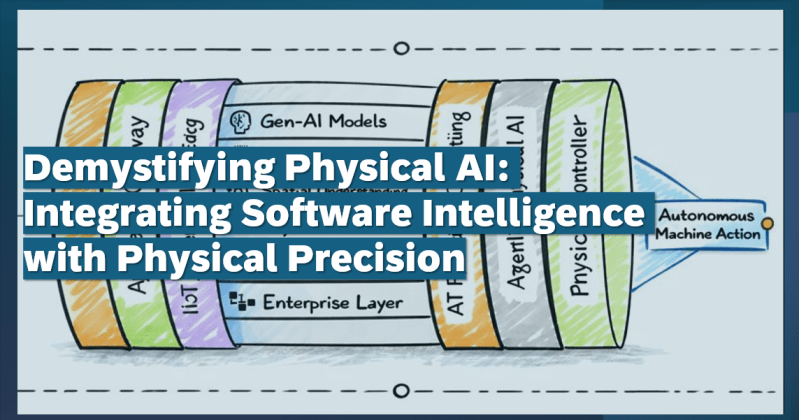
Physical AI integrates software intelligence with physical systems to enable machines that perceive, decide, and act autonomously and collaboratively with humans. Over the years, we’ve witnessed the development of Digital AI—systems that think, analyze, and predict in the digital world.…
What is Enterprise AI? Enterprise Artificial Intelligence (AI) strategically integrates core AI technologies—such as machine learning, generative AI, computer vision, LLMs, NLP and AIOps —into business ecosystems and decision-making frameworks. It leverages organizational data to solve business-specific challenges, optimize processes,…
As the clock turns, ushering in a brand-new year, I wish each one of you a joyous and fulfilling 2025! A new year is not just a change in the calendar; it’s an opportunity to pause, reflect, and envision the…
On this auspicious day, we celebrate the triumph of good over evil, light over darkness, and knowledge over ignorance. As Lord Rama’s victory over Ravana teaches us, true strength comes from righteousness, courage, and perseverance. 💪 Let’s take inspiration from…
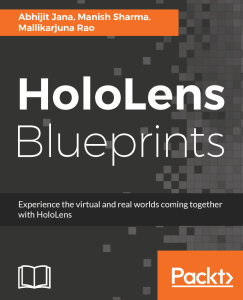
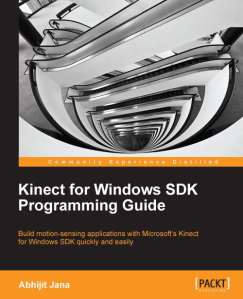
Following are the list of books I authored. Kinect for Windows SDK Programming Guide – explain how to develop applications using the Kinect for Windows SDK. HoloLens Blueprints covers developing enterprise solutions using Microsoft HoloLens.
I authored the book titled “HoloLens Blueprints“. Do you want to create stunning applications with HoloLens? Are you a developer who is fascinated with Microsoft HoloLens and its capabilities? If so, this is the book for you. This book introduces and demystifies the HoloLens platform and shows you different ways of interaction with computers (mixed-reality).
you will develop an end-to-end realistic holographic app, ranging from scenario identification to sketching, development, deployment, and, finally, production.
I authored the book titled “Kinect for Windows SDK Programming Guide“. The purpose of this book is to explain how to develop applications using the Kinect for Windows SDK.
If you are a beginner and looking to start developing applications using the Kinect for Windows SDK, and if you want to build motion-sensing, speech-recognizing applications with Kinect, this book is for you.






 Abhijit's Blog