jump to navigation

Install a shared Assembly to the GAC as post build event from Visual Studio August 25, 2011

Posted by Abhijit Jana in .NET 4.0, Visual Studio, Visual Studio 2010.
Tags: , , , , ,
4 comments

The Global Assembly Cache (GAC) is a Cache for globally available Assemblies. Most of the shared assemblies are installed inside GAC to shared across different applications. The Global Assembly Cache tool (Gacutil.exe) allow us to manipulate the contents of the global assembly cache along with install and un-install Assembly. During the development, we generally  take help of gacutil from command prompt to install or uninstall assemblies into or from GAC. This is a repetitive process, every time you made some changes in your library you might need to deploy it into the GAC. Visual Studio has a nice feature called Pre-Build and Post-Build events. Using these events we execute some specific  commands before or after the build. In this post I am going to show you how we can configure the post build event to deploy an Assembly to GAC.

(more…)

Not able to view all the running Worker Process in Visual Studio – Process Attach Window – Resolution August 18, 2011

Posted by Abhijit Jana in ASP.NET, Debugging, IIS, Visual Studio.
Tags: , , , , ,
1 comment so far

This might be a very simple and known to most of us, but I found  it as a query in a discussion forum of one of my article “Debug your ASP.NET Application while Hosted on IIS” which was published at Code Project . Question was regarding list of worker processes in “Process Attach window” of Visual studio. Though all the sites are running properly on IIS, still he was not able to view any processes in “Attach Process Window” while trying to attach a process from Visual Studio.

(more…)

Tracking Out of Scope Objects using DataTips while debugging in Visual Studio 2010 August 10, 2011

Posted by Abhijit Jana in .NET 4.0, Debugging, Visual Studio 2010.
Tags: , , , ,
4 comments

Visual Studio 2010 introduced  a nice new “DataTip pinning” features that enable you to better track of variable and expression while debugging. I am sure by this time you must be knowing what is “Data Tips”  and  different features of it.  In In this Post I am going to share a small tip which talks about tracking some out of scope object using DataTips while debugging.

(more…)

Multiple URL Binding with IIS Express August 5, 2011

Posted by Abhijit Jana in IIS Express.
Tags: , , , ,
5 comments

IIS Express is a lightweight, self-contained version of IIS and optimized for developers. IIS Express provides the power of IIS7.x  and makes it very easy to develop and test web applications. Visual Studio 2010 SP1  provides complete integration with IIS Express. In one of my previous post I discussed How you can Run “IIS Express” and “Cassini” simultaneously in Visual Studio 2010 SP1. In this post I am going to discuss about how you can bind multiple URL’s for a single Web Application with IIS Express.

(more…)

.NET Tips – Links on ASP.NET C# WPF , IIS Express, Visual Studio Tips – July 2011 July 31, 2011

Posted by Abhijit Jana in .NET 4.0, .NET Community Events, ASP.NET 4.0, IIS Express, WPF.
Tags: , , , ,
2 comments

Daily .NET Tips is aiming to sharing useful coding tips and tricks for .NET Developers. This site completely design for sharing Tips and Tricks, useful Code Snippet which anyone use in daily development work and targeted anything related with .NET.  In this post I am quickly listing down all the tips which are posted over the month July 2011.

(more…)

Using ASP.NET 4.0 Chart Control With New Tooling Support for SQL Server CE 4.0 in VS 2010 SP1 and Entity Model July 14, 2011

Posted by Abhijit Jana in .NET 4.0, ASP.NET 4.0, SQL Server CE, Visual Studio 2010, Visual Studio 2010 SP1.
Tags: , , , , , , ,
8 comments

In this post I’m going to talk about  how we can use ASP.NET 4.0 Chart Control with SQL CE as back-end data base using Entity Framework. I will also show how Visual Studio 2010 SP1 provides new tooling supports for SQL Server CE 4.0. ASP.NET 4.0 introduced inbuilt chart controls features and Visual Studio 2010 SP1 Came up with nice tooling support for SQL Server CE. SQL CE is a free, embedded, lightweight  database engine that enables easy database storage. This does not required any installation and runs in memory.  Let’s see how we can place this together and create a small apps and deploy it using  new “Web Deployment Tool” which is available with Visual Studio 2010 SP1.

(more…)

.NET Tips – Links on ASP.NET C# MVC Visual Studio Tips – June 2011 July 3, 2011

Posted by Abhijit Jana in .NET 4.0, .NET Community Events, ASP.NET 4.0.
Tags: , , , ,
1 comment so far

Daily .NET Tips is aiming to sharing useful coding tips and tricks for .NET Developers. This site completely design for sharing Tips and Tricks, useful Code Snippet which anyone use in daily development work and targeted anything related with .NET.  In this post I am quickly listing down all the tips which are posted over the month June 2011.

(more…)

ASP.NET Internals : Visualizing ASP.NET Page Life Cycle using IntelliTrace June 26, 2011

Posted by Abhijit Jana in .NET 4.0, ASP.NET, ASP.NET 4.0, IntelliTrace, Visual Studio, Visual Studio 2010.
Tags: , , , , ,
36 comments

Understanding the ASP.NET Page Life Cycle is an essential knowledge for developing ASP.NET Web Application. When request come from client to server there are many operations performed in backend before sending response to the client. When client request for some information from a web server, request first reaches to HTTP.SYS, which is the kernel level of IIS. HTTP.SYS then send the request to respective  Application Pool. Application Pool then forward the request to worker process to load the ISAPI Extension which will create an HTTPRuntime Object to Process the request via HTTPModule and HTTPHanlder.  Once request passed through the HTPP Pipeline, ASP.NET Page Life Cycle Start.  You will find several articles that describes the What is ASP.NET Page lifecycle, what are the different events fired during page lifecycle.  This post is something different, I will show you how you can see the each and individual Page life cycle events using IntelliTrace

(more…)

Web Camps Session PPT Download–“What’s new in Visual Studio 2010 SP1 for Web Developers” June 19, 2011

Posted by Abhijit Jana in .NET Community Events, Web Camps.
Tags: , , ,
add a comment

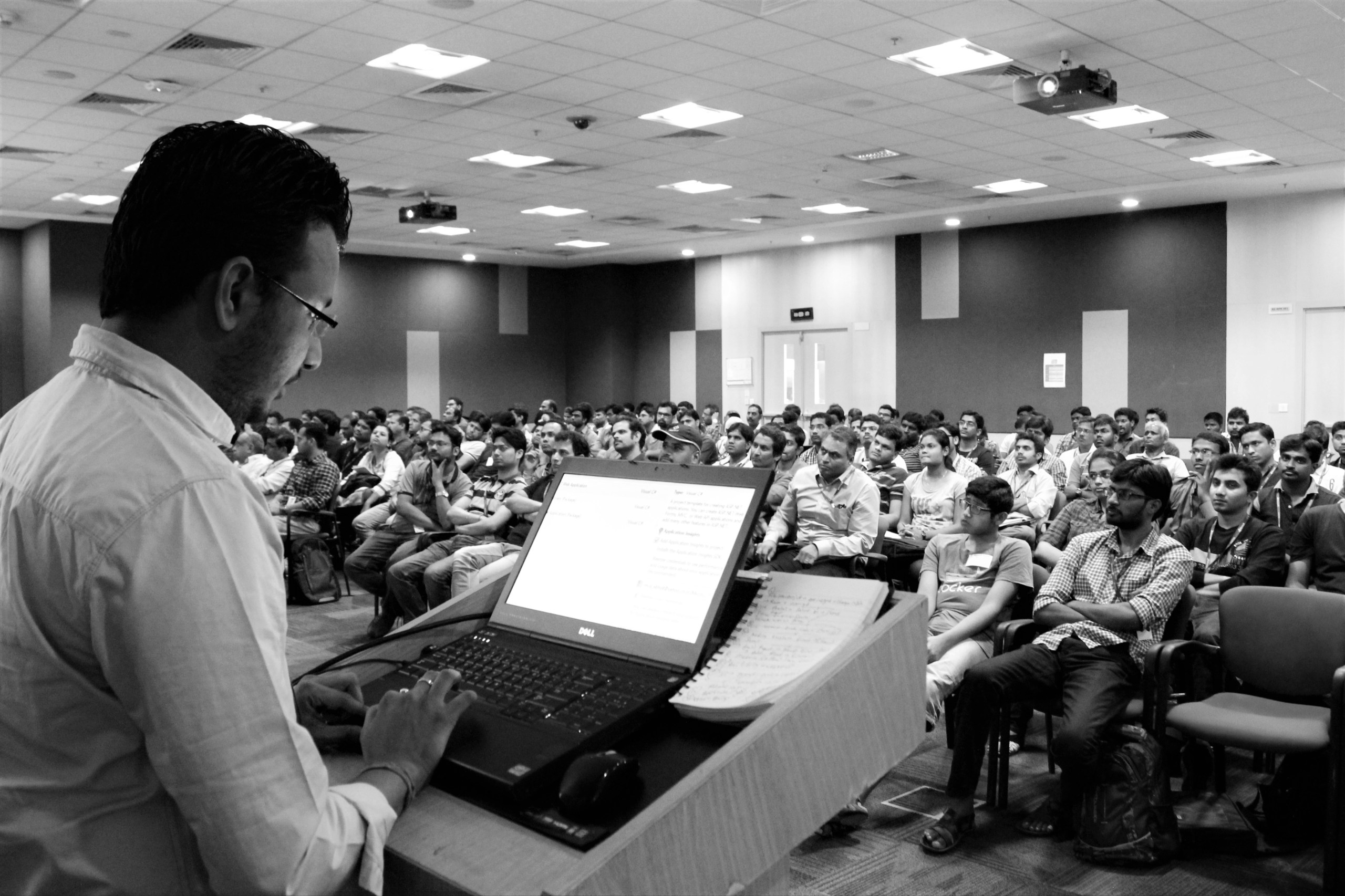
Here is the Presentation slide that I used during my session at Microsoft Web Camps, Hyderabad.  During the session I have discussed  about IIS Express, SQL Server Compact Edition Tooling Support, Web Deployment Tools, IntelliTrace Debugging etc. During demo I have shown Basic and Advanced features of IIS Express , Enabling SSL with IIS Express, Running IIS Express and Cassini side by side , SQL Server CE with Entity Frame work and ASP.NET 4.0, Web Deployment Tool 2.0, and demos related with IntelliTrace.

(more…)

Run “IIS Express” and “Cassini” simultaneously in Visual Studio 2010 SP1 June 12, 2011

Posted by Abhijit Jana in .NET 4.0, ASP.NET 4.0, IIS Express, Visual Studio 2010, Visual Studio 2010 SP1.
Tags: , , , ,
6 comments

IIS Express is a lightweight, self-contained version of IIS optimized for developers. IIS Express provides the power of IIS7.x while making it easy to develop and test websites. Why we say that it has power of IIS7.x because it runs on code base of IIS 7.5.  Visual Studio 2010 SP1 Beta allows you to build and test web applications using IIS Express instead of the built-in ASP.NET Development Web Server (Cassini). If you want to use IIS Express with VS 2010, you have to install IIS Express separately on top of Service Pack 1. To know more about details of use of IIS Express, please read the post http://bit.ly/i8BN1H . We can set IIS Express as default Web Server for Visual Studio or We can also change from Project Properties. Well, In this post I am going to talk about how we run the both IIS and Cassini simultaneously for multiple projects in a single solutions.

(more…)

Presenting at Microsoft Web Camp – Hyderabad on 16th June, 2011 June 10, 2011

Posted by Abhijit Jana in .NET Community Events, Announcement.
Tags: , , ,
1 comment so far

image The Microsoft Web Camps have become the epicenter of Microsoft’s interaction with the web development community, where leading-edge developers and architects gather to learn and build websites using ASP.NET MVC 3, Internet Explorer 9 , HTML5 and latest changes in Web Technologies” . Microsoft Web Camps are designed to help you learn to build websites using latest web technologies like ASP.NET MVC, jQuery, Web Matrix, HTML5,  IE9 and many more.  Web Camps at Hyderabad scheduled on 16th June 2011, at Microsoft Campus , IDC Building .

(more…)

IntelliTrace Log ( .iTrace ) files and Visual Studio 2010 SP 1– Some Hidden Stuff June 7, 2011

Posted by Abhijit Jana in .NET 4.0, IntelliTrace, Visual Studio, Visual Studio 2010.
Tags: , , , , , ,
5 comments

IntelliTrace debugging  is only available with Visual Studio 2010 Ultimate Edition, which collects debugging information in background and can be used at any point to time to analysis previous debugging data. IntelliTrace collected debugger information into a trace log file (.iTrace ) that can then be opened and debugged using Visual Studio later.  Size of .iTrace was always a concerns, as it’s take huge amount of your hard drive space and IntelliTrace is on by default. So whenever you are doing F5 debugging in Visual studio .iTrace is getting saved and it’s consuming your hard drive.

Well, before moving forward, I must thank to Larry Guger , Program Manager for IntelliTrace features .  Yesterday  I had a discussion with him on IntelliTrace .  During discussion I found there are several changes on IntelliTrace log saving which has been shifted with Visual Studio 2010 SP1. I have already blogged about few of them over here http://bit.ly/f8awhz. But few hidden stuff was missing which I got to know from Larry only.   In this post I am going  to discussed about those changes.

(more…)

Collecting Module Specific Debugging Information using IntelliTrace June 4, 2011

Posted by Abhijit Jana in .NET 4.0, Debugging, IntelliTrace, Visual Studio 2010.
Tags: , ,
2 comments

I am sure by this time all of you already aware of what is IntelliTrace Debugging. Just to give a quick overview, IntelliTrace is a new features of Visual Studio 2010 Ultimate Edition. By default IntelliTrace is enabled . During  debugging in Visual Studio, IntelliTrace works  in the background and  collect debugging information automatically and stored them in IntelliTrace Log File (. iTrace File ) . You can use the log file at any point of time to see what happened exactly at background during your live debugging. To know more details, you can see my several articles published on IntelliTrace  and for step by step guide read “Debugging Application using IntelliTrace” from MSDN .

Using IntelliTrace you can capture module specific information. This is really helpful when you don’t want to debug certain modules during your debugging process. In this post I am going to discuss about how you can collect module specific information using IntelliTrace.

(more…)

ASP.NET Internals : “Clearing ASP.NET Session Variables” a in-depth look June 4, 2011

Posted by Abhijit Jana in .NET 4.0, ASP.NET.
Tags: , , , , ,
22 comments

ASP.NET Session is one of most common state management technique for any ASP.NET Web Application.  If you want to do a quick refresh or want to know some thing more, please go ahead and read one of my article “Exploring Session in ASP.NET” published at Code Project.  ASP.NET provides several methods for removing Session. But which methods needs to use at what time, is a must known stuff for asp.net developer. In this post I going to talk about bit internals of removing session variables from applications. Why this Post ?  I found many people having some confusion around removing / clearing the  session variable ( Mainly with Session.Clear(), Session.RemoveAll(), Session.Abandon()) , which method needs to use, what is the purpose of particular method etc.

(more…)

Follow

Get every new post delivered to your Inbox.

Join 1,272 other followers